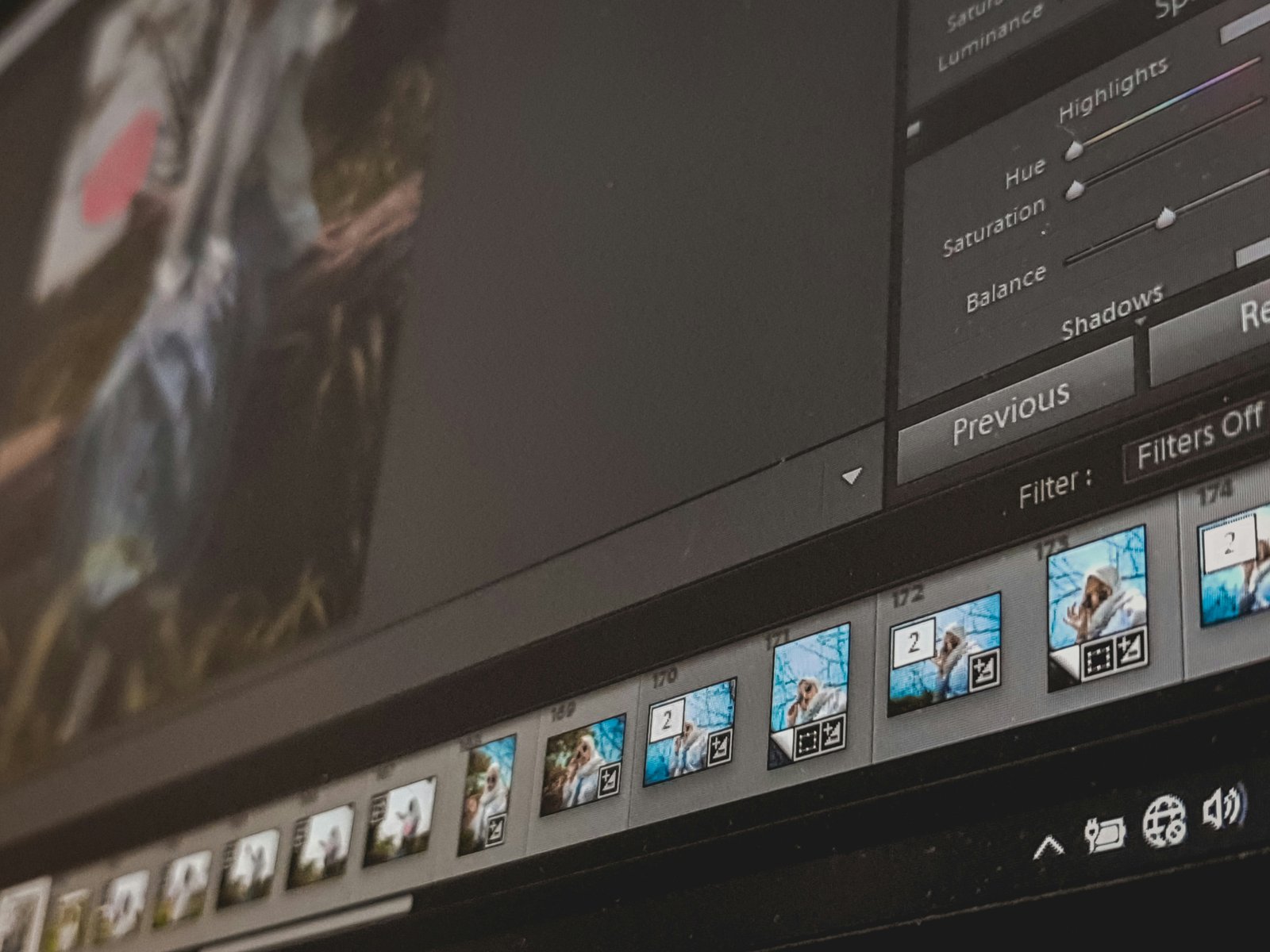
Manual processing of each image takes a lot of time and is therefore unproductive when dealing with tens and hundreds of pictures. This is particularly true for people engaged in online trading, photography, marketing, and other activities that require a large number of visual displays. The process of manually removing the background becomes unbearable in this case.
Thankfully, there are modern ways to solve this problem. Unlike conventional methods, batch processing allows you to remove the background from one photo with minimal effort. And if you have multiple pictures in need of editing, you can just put them in groups and send them to batch processing, where they will be edited in bulk.
The main advantage of batch processing is saving time and ensuring a high quality of the result. The use of such methods is relevant in any activity related to the primary or secondary editing of images. We will discuss how to remove the background from the image in a batch and give some practical tips for using this technology in 2026.
Choosing the Best Tools for Batch Processing
For beginners, the most critical aspect is the possibility to work with a simple interface. The user should not get confused about the technology and what steps to take after launching the software. The onboarding process is critical, which makes the image uploader easy to use and minimizes complexity.
Batch processing is necessary when you have tens, if not hundreds of photos to edit. I knew an online store owner who spent hours and hours deleting image backgrounds one by one instead of using the bulk feature. So, my advice is to find a tool that has the option of bulk file upload. Otherwise, forget about batch processing.
In addition, it is necessary to pay attention to how fast the given batch background remover will process the images and what quality of cutouts it will provide since these two factors are directly related. The program that is too slow and does not allow saving the required image quality will not be of much help to the user.
In order to identify the best option, it is crucial to conduct a trial with a couple of candidates on a small set of images. Besides, some of the services allow downloading the pictures in bulk, as well as export them in PNG format and edit them in any way you want.
The most important thing when searching for a background remover is to determine the balance between convenience and performance. Usually, for the beginner, the higher number of options is not essential if the interface is too complicated or the processing speed is low. In such cases, the simplest plan with a high level of automation may be the best choice. Of course, the free plan or a trial version of the selected service may be the best option to test the performance before making a final choice.
Setting Up Your Batch Processing Workflow
Many people think that batch processing will save them time, however, the workflow can actually save you even more. If folders are disorganised, files are all over the place, and there is no structure to anything, already half your time is being wasted searching for pictures. One trick that many image editors do is sort the images first before they edit them. A useful tip for this is simply to organise the images into specific folders. If you are editing images for a clothing retail store, you might want to sort your images of shirts into a ‘shirts’ folder and images of shoes into a ‘shoes’ folder, etc. Sorting files into relevant folders prevents you from making mistakes and wasting even more time searching for files afterwards.
A common mistake that many beginners make is that they neglect to think about their settings. As they begin working on their images, they forget to think about the final output and simply begin uploading or editing their images without considering the end result. The settings for a website project will be different compared to print, so it is important to think about which settings will suit your needs best.
The most advantageous feature of batch processing, which can be noticed almost right away, is that once everything is set up, the process requires no further input. Nevertheless, to achieve the point where the program does everything automatically, one must do some preparation. That is why serious photographers spend time organizing photos and setting up the software before launching the algorithm, which would handle the rest of the work.
It is also critical to double-check the results after processing. Take some sample pictures from the output folder and look through them. You should check if anything was cut out incorrectly and if the image has a particular flaw. Although you do not need to go through every single photo, a rough evaluation is necessary.
Finally, it might be helpful to develop a standard naming convention. In addition, it is essential to separate the original images from the processed ones so that you could always find the right file.
Common Challenges When Processing Images in Bulk
Batch processing looks so simple but when you work on real projects several issues occur. For example, if you process a big set of images in any image editing program, then for most of them, the result will be satisfactory but for some images, you will get an unexpected result. That is why I think you are absolutely right saying that Batch processing saves time but you should know what images you work with and what limitations you have.
Not all images are equal, and this is probably one of the challenges every beginner in the photo editing area has encountered at least once in their careers. For instance, some pictures may have a white background, while others have a transparent one. Some may have hair, while others have objects like glass or shiny surfaces such as reflections. I once had to do a project for a beauty company editing pictures of their products, and it was not complicated to cut out the bottles, but the models’ pictures were more challenging since you could see every part of their hair. To solve this, it is essential to divide your images into certain categories and not apply the same tools for all pictures.
A performance problem can easily occur during massive processing. When you are uploading dozens of files, they are going to work fine while a hundred files would require another performance thought. Keep your mind grounded, have a secure internet connection and proceed with large file uploads at a time.
Another error beginners make is not being able to keep track of their progress. After having to process hundreds of photos, it can become difficult to remember which images have been processed and which ones are yet to be touched. It is always advisable to manually go through a few processed images before finishing to ensure that the results are up to standard. This step will save you a lot of effort and headaches from re-processing photos later.
Maintaining Quality Across Hundreds of Images
One of the primary concerns with batch processing is the quality of the finished images that are the result of the program. When batches are processed, there are a large number of images that could have errors and it can be hard to catch them all at once.
However, it is unlikely that one must review all of the images in order to ensure quality. Another technique for batch processing that helps ensure quality is spot-checking. One should spot-check a few images that represent each batch and each issue. If nothing seems to be wrong, then one can be more confident that no errors were made.
Another thing that can be done to ensure quality when one is batch-processing images is to maintain consistency among the images.
One way to do this is to keep similar settings for similar images. This ensures that similar images have very similar output. It is also crucial to conduct tests on the settings and to make sure that they work on small groups of images before applying it to an entire set or hundreds of images.
With a little bit of effort, one can perform a simple procedure for quality control when batch-processing images. Doing so will ensure that the batches of images are all high-quality and professional-looking.
Mistakes Beginners Should Avoid
One of the most common mistakes that beginners make when learning photo batch processing is trying to process an entire set of photos without testing a few first. This approach might seem as a waste of time, but you would considerably minimize the number of damaged photos if you test the processing before you proceed with the whole album or a folder of images.
Another mistake in choosing the most effective photo editing services is connected with the choice of the processing options, such as target size or format. For instance, when a customer needs high resolution images, reducing the target size will not enable obtaining the required results.
In addition, many beginners forget to make a backup of the original photographs when making changes. This can be a problem if one needs to reprocess the images to recover lost data or to reprocess the altered options.
A simple solution to this error is to save the source file in a separate directory. In addition, another excellent idea to prevent such mistakes is to test the changes to see whether they have any adverse effects. These measures can help recover the initial photos in case of an error occurrence. Altogether, the described above four common mistakes can help design the photo batch processing strategy more efficiently.
Conclusion
To summarize the entire batch background removal process in one sentence – it is all about smart time management and automation. The most optimal way to use batch background removal is to choose the right tool, prepare the images, set the parameters, process the batch, and review the results. Once the process becomes routine, image editing will never be the same – it will be much faster and more efficient. This is why companies and individuals that regularly process images have invested in such automation procedures.
Do not try to jump into the processing of hundreds of photos right away. A few test batches will significantly increase your productivity later when you have to deal with thousands of files. You still have full control over the image editing process and can make all the necessary adjustments to achieve the best results in each project.
On the website BG Erasers , you will find a batch processing tool that erases backgrounds in photos. Upload your photos, process them in bulk, and get rid of all the unnecessary backgrounds in just a few minutes.