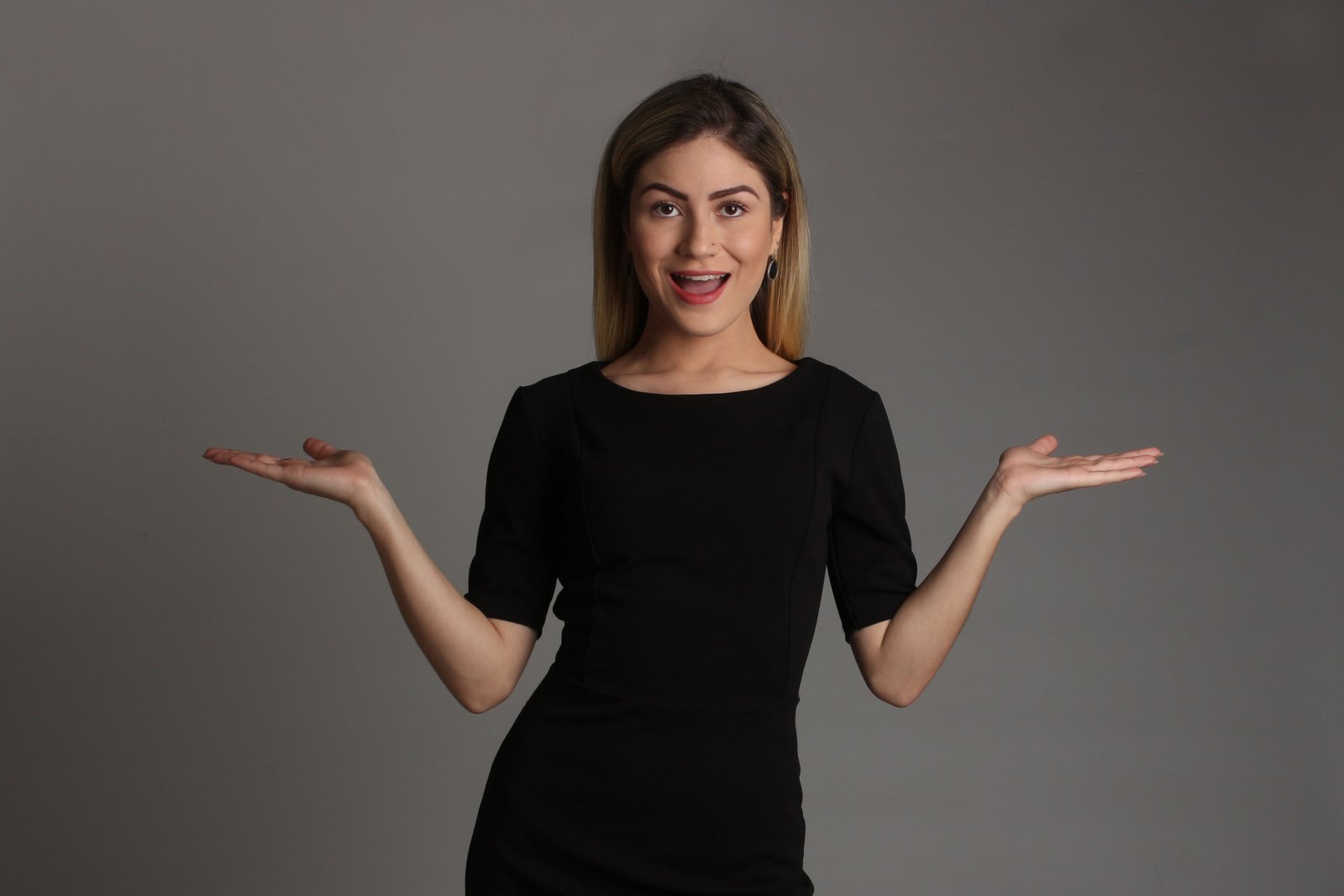
Your LinkedIn profile photo is often used as an introduction. Recruiters and clients often view your profile photo before reading about your experience. Similarly, in our case as well, when you or I see someone's profile, the first thing that catches our eye is their profile picture. By seeing their profile picture, if it looks professional and decent, a good impression is already made. People are more likely to believe that you are competent if you have a professional-looking photo.
For a professional LinkedIn photo, its no longer necessary to go out and spend thousands on a photographer, or get a photoshoot done in a studio. this is all outdated and unnecessary. Nowadays, with the help of modern editing tools, you can take high-quality photos using your mobile phone as well. A background eraser tool gives a photo a more professional look by removing the background. For this, you can use our tool https://bgerasers.com.
In this article, you will find tips for using the background eraser for LinkedIn profile pictures. You will also see recommendations for choosing the right background and professional looking LinkedIn headshot for LinkedIn 2026.
Do You Really Need a Professional Photographer?
Not every professional needs to visit a studio to get their photo taken. In my opinion, if you have a good smartphone and basic photo editing tools, you can create a high-quality, professional photo for LinkedIn yourself. Moreover, it is a more cost-effective, convenient, and versatile option than a professional photoshoot.
Although there may be some limitations but the benefits of a DIY approach cannot be ignored. At first, people might think that professional photos can only be taken in a studio. However, there are actually significant benefits to taking photos yourself benefits that cannot be overlooked.
However, there are also some cases when it makes sense to spend money on a professional photoshoot. After all, beautiful close-ups in a professional studio look great. In addition, they create a good impression on the resume or CV. Therefore, for a career woman, a CEO, an active politician, an influential business person, or a person who wants to form their image, such photographs will be their business card. Thus, it may be worth spending some money on a studio photoshoot in specific scenarios.
In my opinion, recruiters don't need a Hollywood level photos. They just need a clear image with good lighting where they look professional
Taking Your Headshot with a Smartphone
Modern smartphone cameras offer such high quality that you can capture a great headshot for LinkedIn without needing a professional camera. However, the photo will only look good if the lighting is right and it is taken in high resolution; if the lighting is poor or the resolution is low, the image will appear blurry or unprofessional.
First thing you have to know is to hold your phone at eye level to capture the ideal LinkedIn photo. Avoid getting too close to the camera to prevent having your head and shoulders cut off in the picture, leaving no room for the LinkedIn logo. Make sure to take the photo in the camera’s highest resolution, since photos with high resolution allow you to zoom in or crop the image without losing quality.
If your phone has Portrait mode, you should definetly use it. I also use Portrait mode when taking photos for professionals as it makes me stand out more too. Plus, because the background is blurred out, now if anyone looks at your picture, they'll immediately recognize your face. However, Portrait mode isn't always perfect. Sometimes, the blurring around the edges of the hair or near the glasses looks off, and the photo appears artificial. For this reason, sometimes simple editing is required after the photo is taken to correct errors related to blur or artifacts.
On the other hand, you should avoid applying heavy use of filters, extreme high or low angles, low light, low quality photos and screenshots from videos or photos. In my opinion, all these things make your profile unprofessional. The best way is to use a simple, clear, and natural photo in which your face is clearly visible. This type of photo looks more professional and trustworthy.
Getting the Lighting Right at Home
In my opinion, it is essential to have good lighting for a nice picture. Sometimes you can get really cool photos with just a normal phone because it depends on what lighting you are using. Sometimes you could have gotten a really cool shot, but it was ruined by the lighting. Good lighting makes everything look amazing. Whereas when you have bad lighting, it doesn't matter how many cool features your camera has, the picture will still not look nice. Therefore, natural lighting is the best option.
When taking the photo, you should sit by a window so that the natural spring light falls directly and evenly on your face. This makes your face look clear and soft, and gives the LinkedIn headshot a more professional appearance. Large windows are preferable because they provide better lighting and you should avoid harsh, intense light, as it casts deep shadows on the face that make the photograph less attractive.
Sometimes very bright sunlight is shining directly front on you causing very bad shadows on some parts of your face. In this case move back a little or move a little to the left or right so the sun hits you more from the side then from the front. This will help your photo look nicer.
Why Your Background Matters More Than You Think
Most people are concerned about these kinds of things when it comes to photography for LinkedIn: for example, the clothing, the pose, the quality of the camera used, and so on. We know that all of that matters, but there’s one thing that most of us ignore, which shouldn’t be: the background. It is as important as the person who is on the screen.
A busy background means that many things are visible behind you. In such a case, the focus of the viewer will be on the background rather than on your face, for instance, on the books on the shelves, the junk on the table, the overloaded and misarranged room, or the spectacular view outside the window. This is an example of an undesirable background that must be excluded. Even though the photo might turn out well and you may look good in it, having a distracting background can leave a bad impression on the photo. This is why removing the background is essential and will allow a photo to have a more pleasing appearance. Removing the extra and unneeded background will ensure that the subject stands out in the photo.
When the background is removed in the photo, making it either a solid color or an easily recognizable pattern, the subject of the image will become the center of attention. This way, almost any recruiter or professional worldwide who looks at the profile picture will see the person on the first try.
While it may seem insignificant, the background is a critical component that can make an enormous difference. A nice looking clean background makes your profile look more professional, and an organized and trustworthy image will entice many employers to view your LinkedIn page.
Common Mistakes to Avoid
Sometimes the general idea is good, however some insignificant details can give the whole work a bad impression. First of all, I would like to notice that people usually underestimate small things and then find out that these minor points have significantly harmed the overall impression. The first crucial detail is not to use bad quality photos. The photos should be clear and well-defined. Moreover, if a photo is blurry or appears pixelated when zoomed in, it does not create a good impression on the viewer.
Another thing to avoid when giving presentations is wearing the wrong kind of clothes. Your attire should be appropriate for the industry you are in. You should also avoid using a busy background which may distract the audience. This will end up undermining the whole purpose of your presentation.
Another common mistake is over-editing the photo. If the colors look unnatural, the skin is too smoothed out, or the image has too many effects, it makes the image look fake. One can have a little bit of editing, but not the entire photo should be edited.
The most common mistakes in LinkedIn headshots include low image quality, using distracting backgrounds, and over-editing. Your picture has to have an appropriate resolution, suitable clothing, and minimal editing. All of these features guarantee a good impression on viewers and help establish your personality through the selected media.
Conclusion
Nowadays you do not need to invest in having a professional shoot your LinkedIn photo. With a good smartphone, proper lighting, good clothes, and edited background, you can capture the perfect shot right at home. Choosing a suitable color for the background and removing distractions from the photo and other tips will make you look more attractive in photos without spending much money. It is also essential to update photos if they have been on the page for a while to make a great first impression on clients, recruiters, and employers. Using the best editing tools will help you do all this in the blink of an eye.
A "BG Eraser" is a best tool for you that allows you to remove the background from a photo and get rid of unwanted objects. As you know the background is one of the major part of the image, so it should be perfect. If there are any distracting elements in it, they need to be removed. In this article, you will learn about a program called "BG Eraser", which will allow you to change the background in a few seconds and create a professional image.