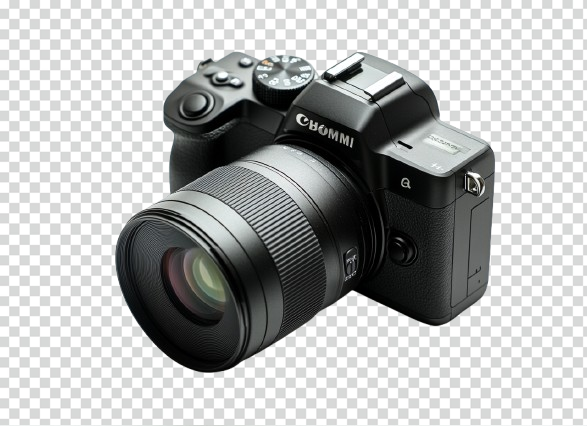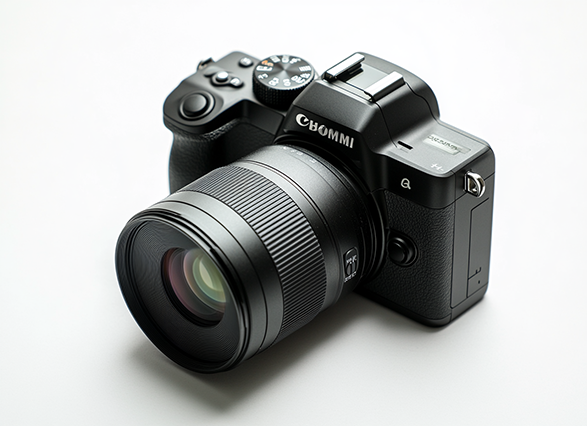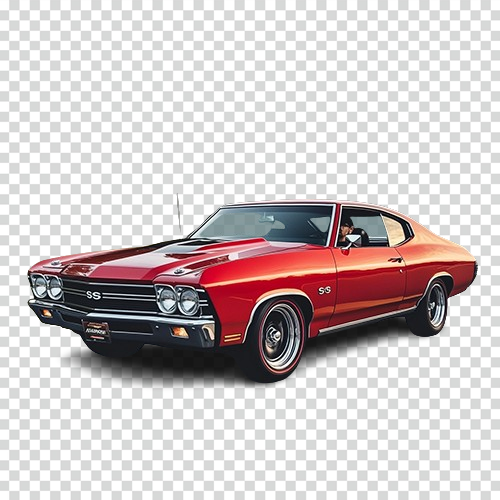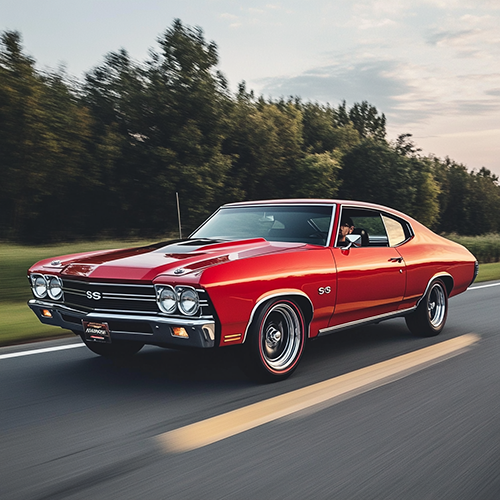

Step 01
Upload or Drop Your Image
Drag and drop any JPG, PNG, or WebP image — up to 20 MB — or click to browse. You can also paste directly from your clipboard.
100% free. No uploads. AI runs directly in your browser — your images never leave your device. Works on people, products, animals, and more.
No sign‑up. Unlimited images. Always free.
How it works
No account. No server. Just pure AI running in your browser tab. Here's all it takes to get a clean, transparent PNG.
Step 01
Drag and drop any JPG, PNG, or WebP image — up to 20 MB — or click to browse. You can also paste directly from your clipboard.
Step 02
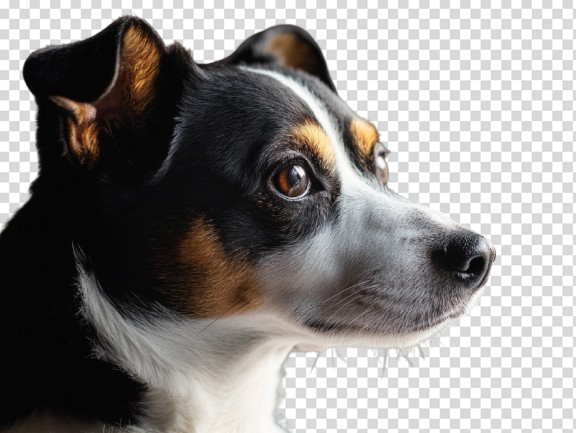
Our on-device AI model automatically detects people, products, and objects, then removes the background with pixel-perfect precision — in seconds.
Step 03
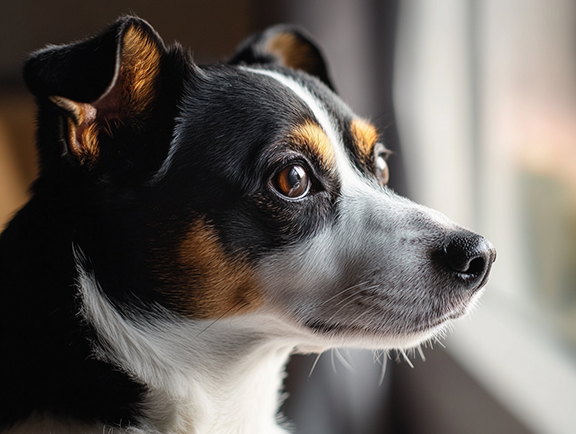
Preview the result side-by-side with the original, then download your high-quality transparent PNG instantly — ready for any use.
When you upload an image, our script loads the @imgly/background-removal neural network. The browser uses WebAssembly to execute the model computations locally using your hardware. The AI distinguishes foreground objects (people, products) and masks out the background, delivering a clean transparent PNG.
On your very first use, the browser needs to download the AI weights model (~35 MB) from the CDN. This is saved in your browser's local cache (IndexedDB). All subsequent uploads will bypass this download step and start segmenting instantly.
Absolutely safe. The application is completely client-side. We have zero server backends, databases, or analytical servers to upload your images. Your image data never leaves your computer or phone.
You can load files in JPG, JPEG, PNG, WebP, AVIF, and BMP formats. The exported files are always delivered as high-quality transparent PNGs.